Motion-controlled gaming // 001

DRIVEDIFFERENT.

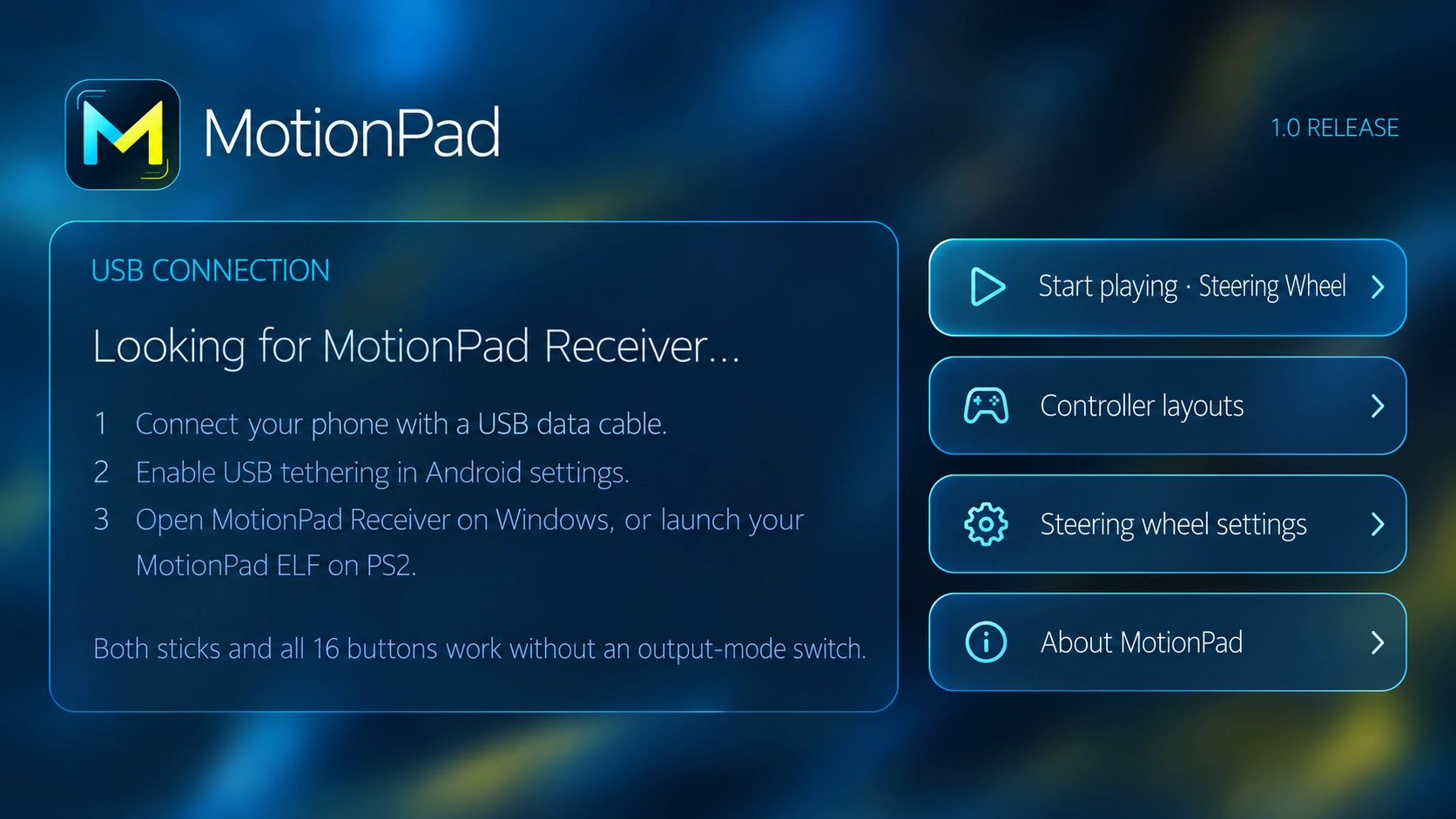
Your phone is the hardware. Motion steering, intuitive touchscreen inputs, and a lean receiver — engineered for people who would rather build their own way to play.

Android appDesktop receiverPS2 research
INPUT // MOTION CONTROLS
GYRO // READY
01 / Downloads

PICK YOUR LOADOUT.

No account. No launcher. No maze. Just the downloads you need, right here.

ANDROID APP/ 001

MOTIONPAD
ANDROID.

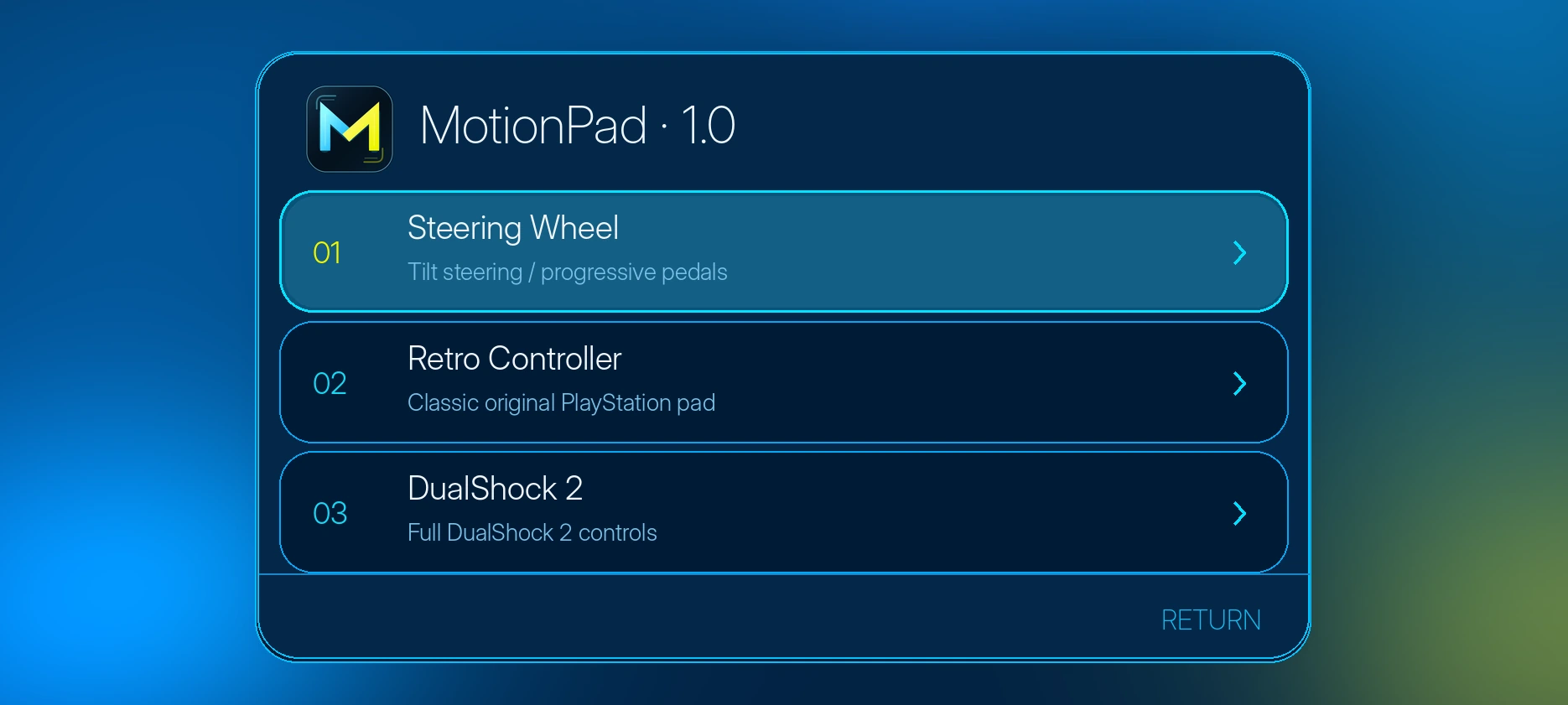
Turn phone movement into steering input. Swipe up to accelerate and down to brake across the screen.

VERSION In development
PACKAGE APK
Coming soon
● Preparing release
DESKTOP RECEIVER/ 002

MOTIONPAD
RECEIVER.

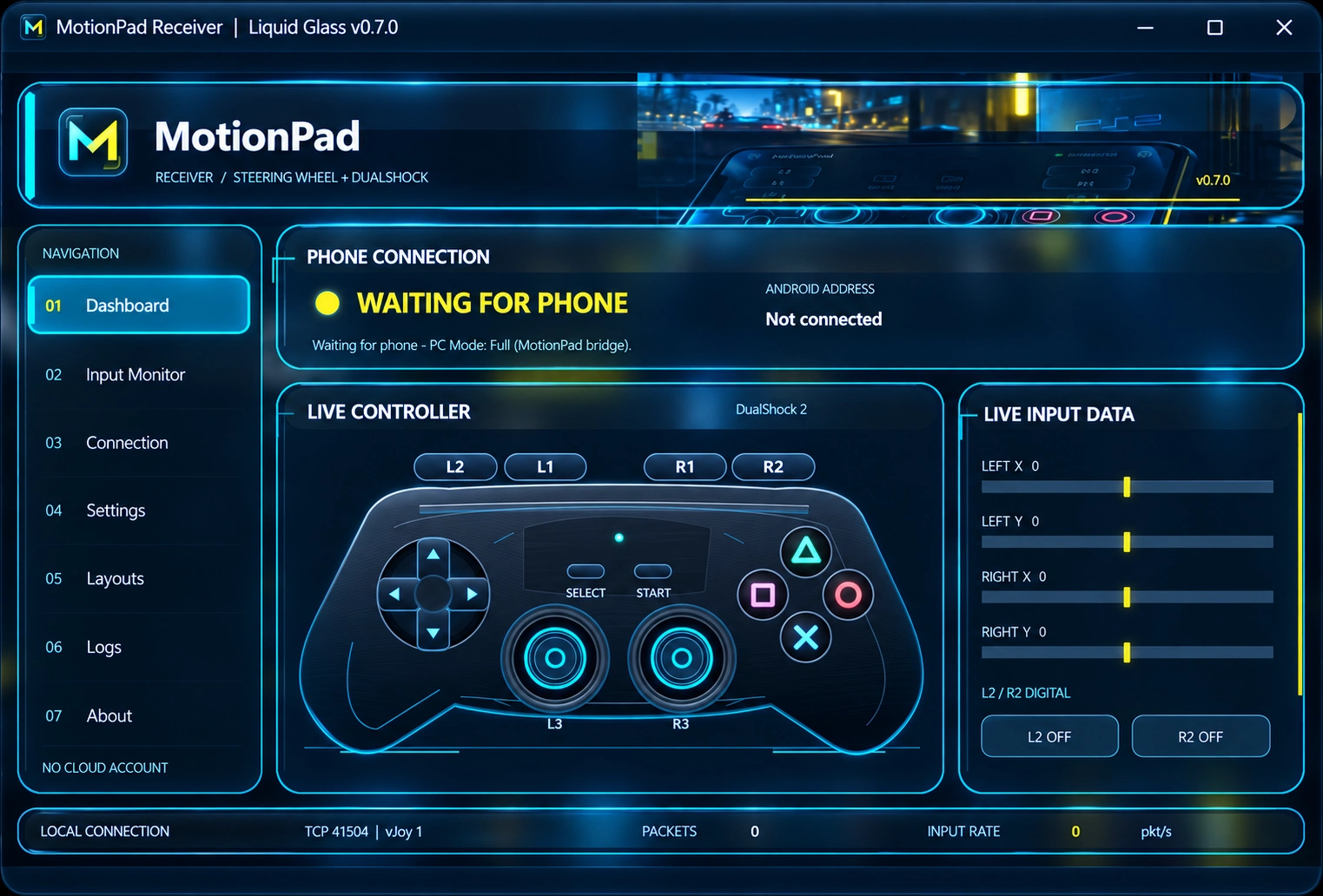
The companion application for receiving and translating MotionPad input on a supported desktop setup.

VERSION In development
PACKAGE ZIP / EXE
Coming soon
● Preparing release
ⓘDownloads activate when the release files are published. The site itself never asks visitors to sign in.
02 / Quick start

THREE STEPS.
ZERO DRAMA.

Made for the simple workflow: find the right build, get it installed, and start testing.

01

Grab the APK

Download MotionPad for Android and install it on your phone once the build is published.

02

Get the receiver

For desktop use, download the companion receiver and follow the instructions included in the release.

03

Connect & steer

Choose the supported connection method for your build. Tilt to steer; swipe up or down for throttle and brake.